| Quick Answer
AI image generator tools enable businesses to create professional-quality visuals, marketing assets, product images, and branded content in seconds — without a designer or expensive stock photo subscription. In 2025, the market has matured significantly, with enterprise-grade options available at every price point. |
Visual content is among the most powerful drivers of digital engagement. HubSpot’s 2024 State of Marketing report found that visual content generates 94% more views than text-only content, and that social posts with custom visuals receive 3x the engagement of stock-photo posts.
Historically, producing original, high-quality visuals required either significant budget (professional photography or design), time (in-house design team), or compromise (generic stock images). AI image generator tools have fundamentally disrupted this trade-off.
According to Adobe’s Creative Economy Report 2024, businesses using AI image generation tools reduced their visual content production costs by an average of 62% while producing 4x more visual assets per month. For marketing teams, product designers, and content creators, this is transformative.
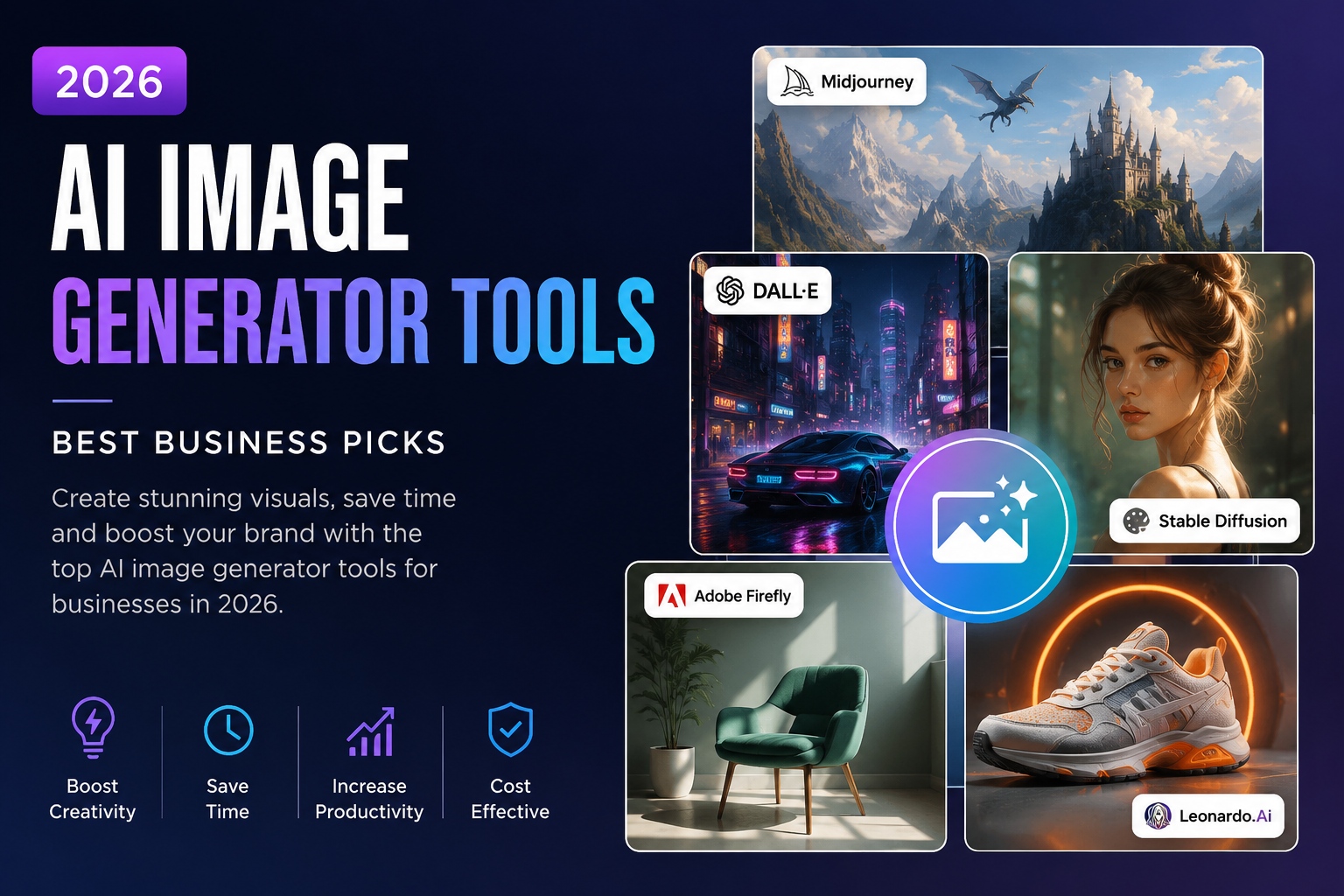
Midjourney remains the gold standard for artistic, high-quality image generation in 2025. It produces strikingly photorealistic and stylised images from text prompts, with exceptional attention to lighting, composition, and detail. Best for: brand imagery, editorial visuals, concept art, and marketing campaigns.
Developed by OpenAI and integrated into ChatGPT Plus, DALL-E 3 excels at following complex, detailed instructions and producing images with accurate text rendering. Best for: product mockups, infographics, illustrations, and businesses already using ChatGPT.
Adobe’s AI image generator is built for commercial use, with all training data licensed for business applications — making it the safest choice for brands concerned about copyright. Firefly integrates natively with Photoshop, Illustrator, and Express. Best for: enterprises, design teams, and brand-sensitive applications.
The open-source leader, Stable Diffusion can be run locally or via cloud platforms, offering maximum customisation and zero per-image cost at scale. Best for: tech-savvy teams, agencies generating high volumes of images, and businesses requiring custom model fine-tuning.
Canva’s built-in AI image generator is ideal for non-designers who need social media graphics, presentations, and marketing materials quickly. Its tight integration with Canva’s design tools makes it the most accessible option for SMEs. Best for: SMEs, solo marketers, and social media managers.
Ideogram stands out for its exceptional text rendering — solving one of AI image generation’s long-standing weaknesses. It is ideal for creating posters, banners, and branded visuals where accurate typography is required.
| Tool | Image Quality | Text Accuracy | Commercial Safe? | Price (from) |
| Midjourney | Excellent | Moderate | Yes (with licence) | £8/mo |
| DALL-E 3 | Very Good | Good | Yes | Included in ChatGPT Plus £18/mo |
| Adobe Firefly | Very Good | Good | Yes (licensed) | Included in Creative Cloud |
| Stable Diffusion | Excellent | Moderate | Yes (self-hosted) | Free (self-hosted) |
| Canva AI | Good | Moderate | Yes | Free–£11/mo |
| Ideogram | Very Good | Excellent | Yes | Free–£7/mo |
| Leonardo.Ai | Very Good | Good | Yes | Free–£10/mo |
| Business Function | Use Case | Recommended Tool |
| Marketing | Ad creatives, social posts | Midjourney / Canva AI |
| E-commerce | Product lifestyle images | DALL-E 3 / Adobe Firefly |
| Content / Blog | Blog headers, infographics | Ideogram / Canva AI |
| Brand design | Concept art, style guides | Midjourney / Stable Diffusion |
| Presentations | Custom slide visuals | Canva AI / DALL-E 3 |
| Advertising | Display and banner ads | Adobe Firefly / Ideogram |
| Social media | Reels thumbnails, carousels | Canva AI / Leonardo.Ai |
It depends on the tool. Adobe Firefly is specifically trained on licensed content and is cleared for commercial use. Midjourney and DALL-E 3 grant commercial rights to paying subscribers. For maximum legal safety in business applications, always check each tool’s terms of service or use Firefly.
In 2025, Midjourney v6 and DALL-E 3 produce the most photorealistic results for most use cases. Stable Diffusion with photorealistic fine-tuned models can also achieve exceptional results, particularly for specific niches like product photography.
For high-volume, templated visual content (social posts, ad variations, blog headers), AI image tools significantly reduce the need for designers. However, complex brand identity work, custom illustration, and nuanced campaign creative still benefit greatly from human designers, often using AI as a starting point.
Most modern AI image generators produce images at 1024×1024 to 2048×2048 pixels. Tools like Midjourney and Adobe Firefly include upscaling features that can produce print-quality resolution outputs. Always specify high resolution in your prompt or settings for professional applications.
www.toolsai.co.uk provides a curated directory of AI image generator tools with comparisons across quality, commercial licensing, pricing, and use case suitability — helping businesses find the right visual AI solution quickly.
Harness the power of artificial intelligence to streamline your operations, reduce costs, and boost productivity. Automate repetitive tasks, gain valuable insights from data, and make smarter decisions.
